

You are now inside the main content area
left col
right col
left col
General Contact Information
For more information about Social Security Cards, please visit the Social Security Administration website (they also provide information in several languages). You can contact the Social Security Administration via telephone: (800) 772-1213 (they are typically open from 9:00 a.m. — 4:00 p.m., Monday-Friday).
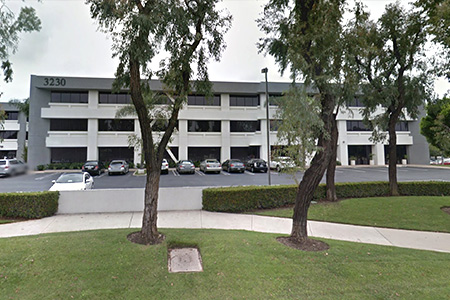
The Brea Social Security Office is only a few miles from the Cal State Fullerton campus
right col